

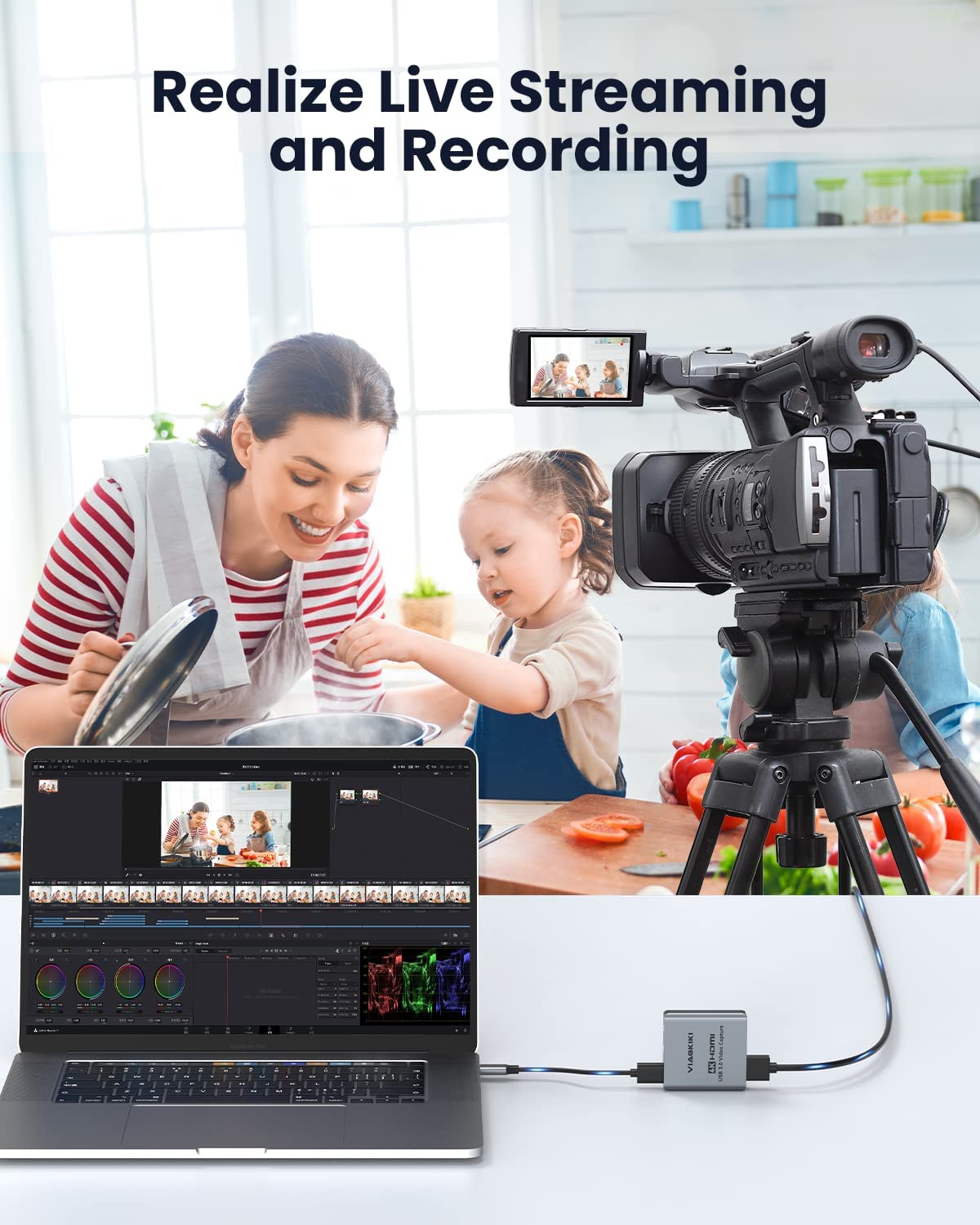

Video Capture Card, Viagkiki 4K HDMI Capture Card,Game Capture Card for Live Streaming/Video Recording/Screen Sharing/Game Playing, Recording Work with PC/PS4/XBOX/Switch/DSLR/OBS(7487)
Price
$22.00Free
22.00
Description
- 【4K HD High Quality】:This video capture card is designed for capturing high-definition video at any time. With 4K@60Hz Input and 4K@60Hz output, 1080p@30fps Capture card for live streaming without delay, Share superb game skills with excellent visual experience.
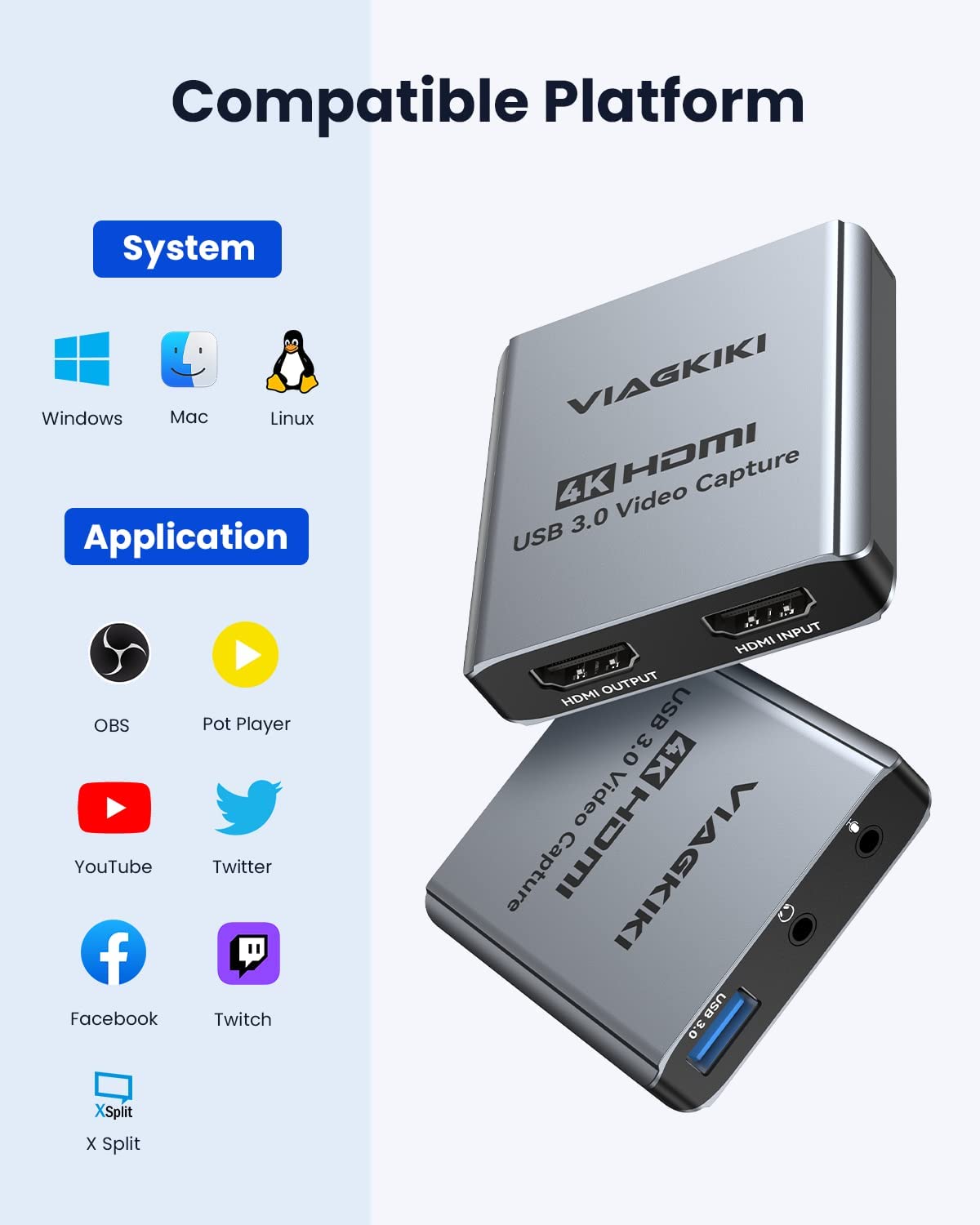
- 【Wide Compatibility】: This game capture card is suitable for Windows and Mac OS; it is ideal for most HDMI devices such as PS3, PS4, Xbox One, Xbox 360, Wii U, DVDs, DSLR, Camera, Security Camera and set top box, makes it easier for you to transmit live streaming to Twitch, Youtube, Facebook, Twitter, OBS, Potplayer and VLC.
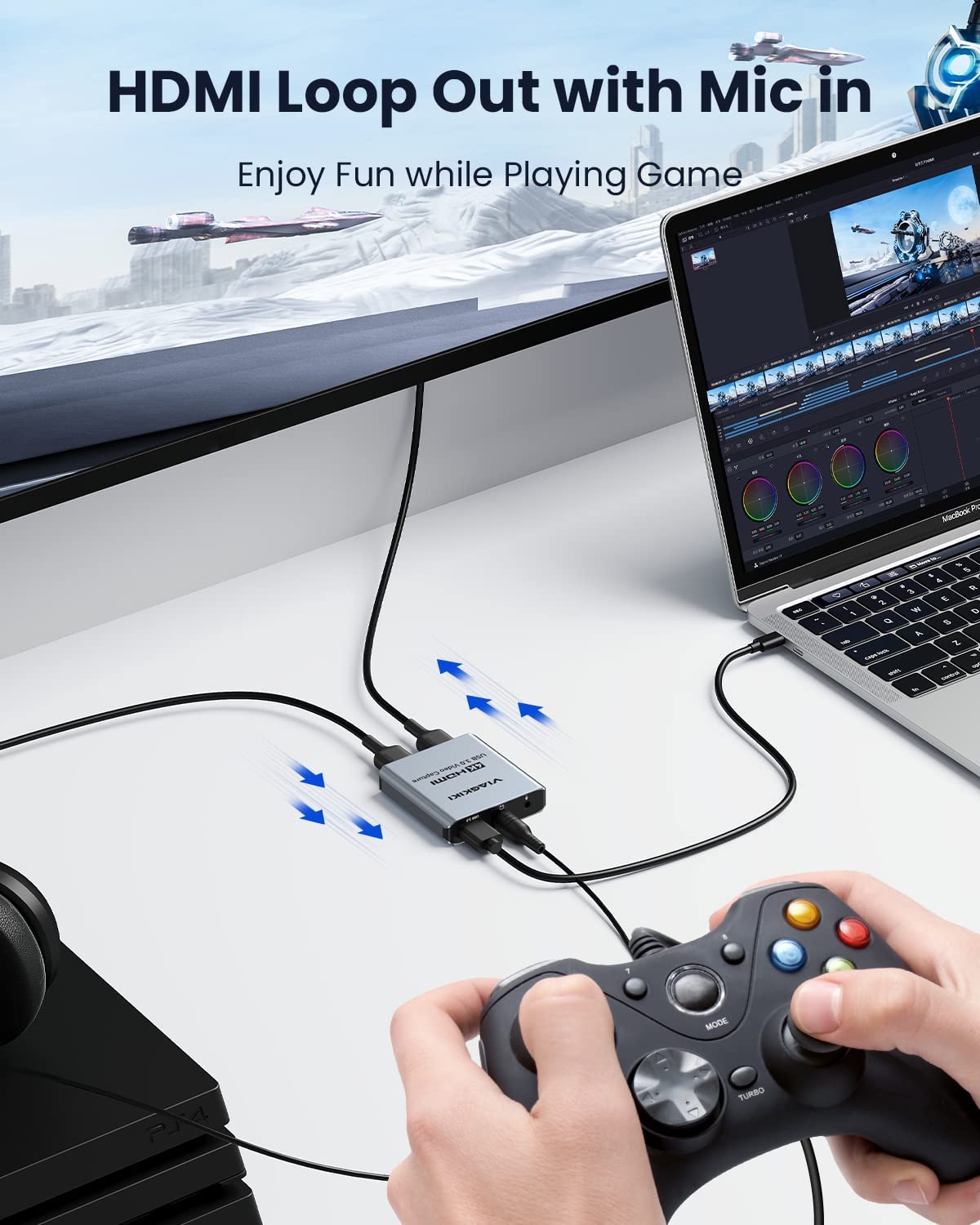
- 【Microphone and HDMI Loop Out】: This video capture card is equipped with a 3.5mm microphone jack and a stereo audio output port, which greatly enhances your game/live experience. It also has an HDMI loop out function so you can directly record it on one device and check the live and game recording effects on the other. It is simple for you to use it ,and perfect for you to live streaming, game video, recording screen .
- 【Plug and Play】: This HDMI video capture card is the ideal capture card for live gaming enthusiasts, no driver or external power supply required, easy to use; you can use any third party software to capture or stream your HD game, or other HD video source . Won't occupy CPU, optional audio capture, no freeze with correct setting.
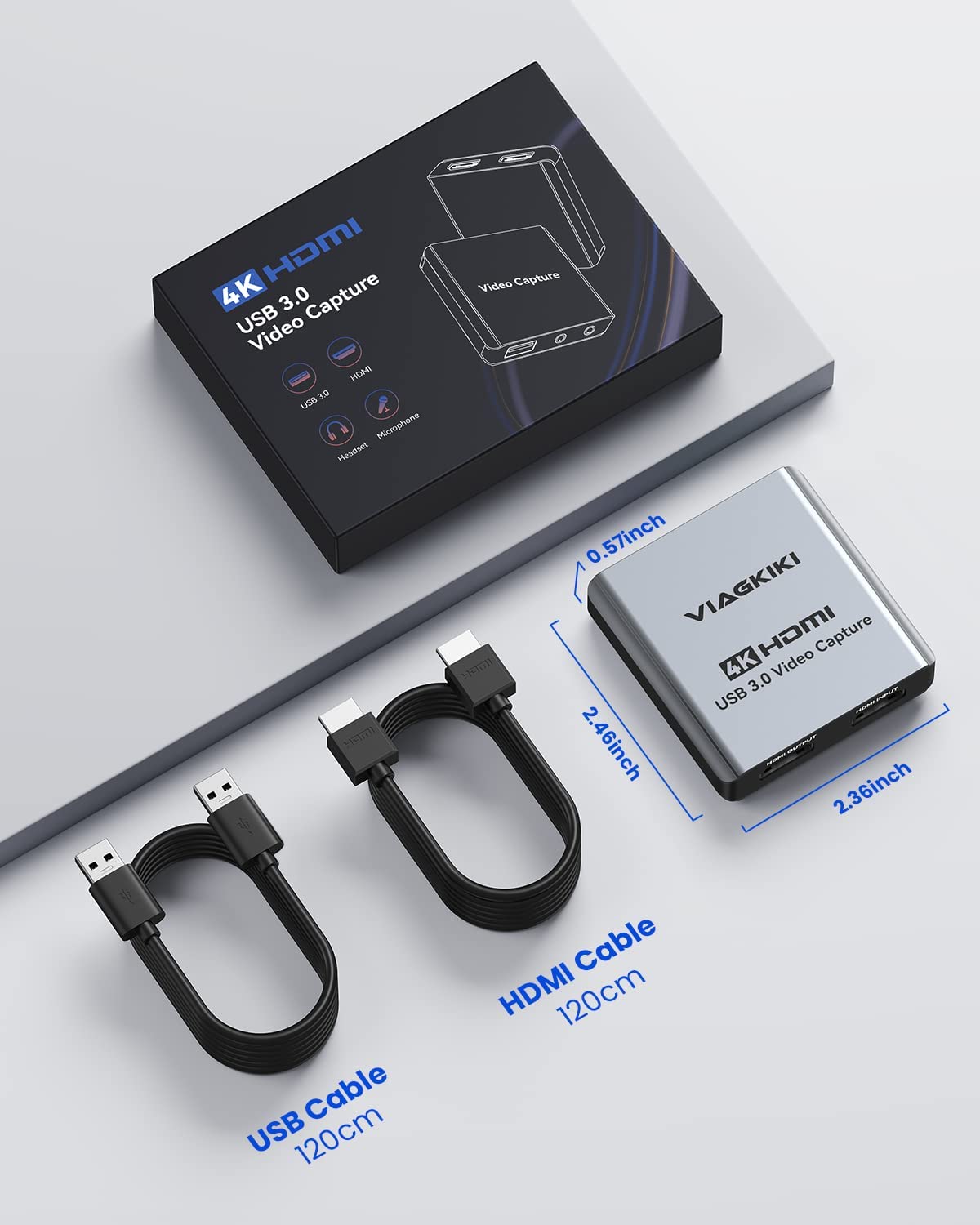
- 【What You Will Get】: This video capture card is made of high-end aluminum alloy shell of capture card for switch helps dissipate high heat to length its service life, faster heat dissipation, stable performance. And it can anti-rust and wear-resistant. Also this video capture card comes with one year warranty guaranteed with 1xHDMI capture card, 1xUSB 3.0 cable, 1xHDMI cable and 1xuser manual.
Product description
Note: Products with electrical plugs are designed for use in the US. Outlets and voltage differ internationally and this product may require an adapter or converter for use in your destination. Please check compatibility before purchasing.
Product Description
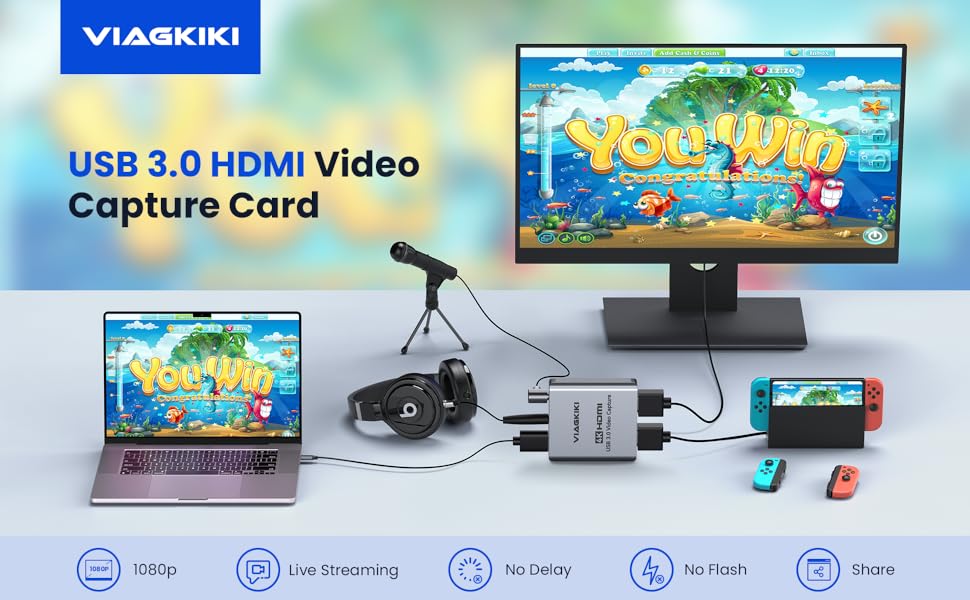
USB 3.0 HDMI Video Capture Card
- Are you still feeling helpless about carrying a large capture card when you go out?
- Are you still having a headache for the complaints caused by viewers not being able to watch the smooth video during the live broadcast?
This video capture card can help you to solve your current problems!!!
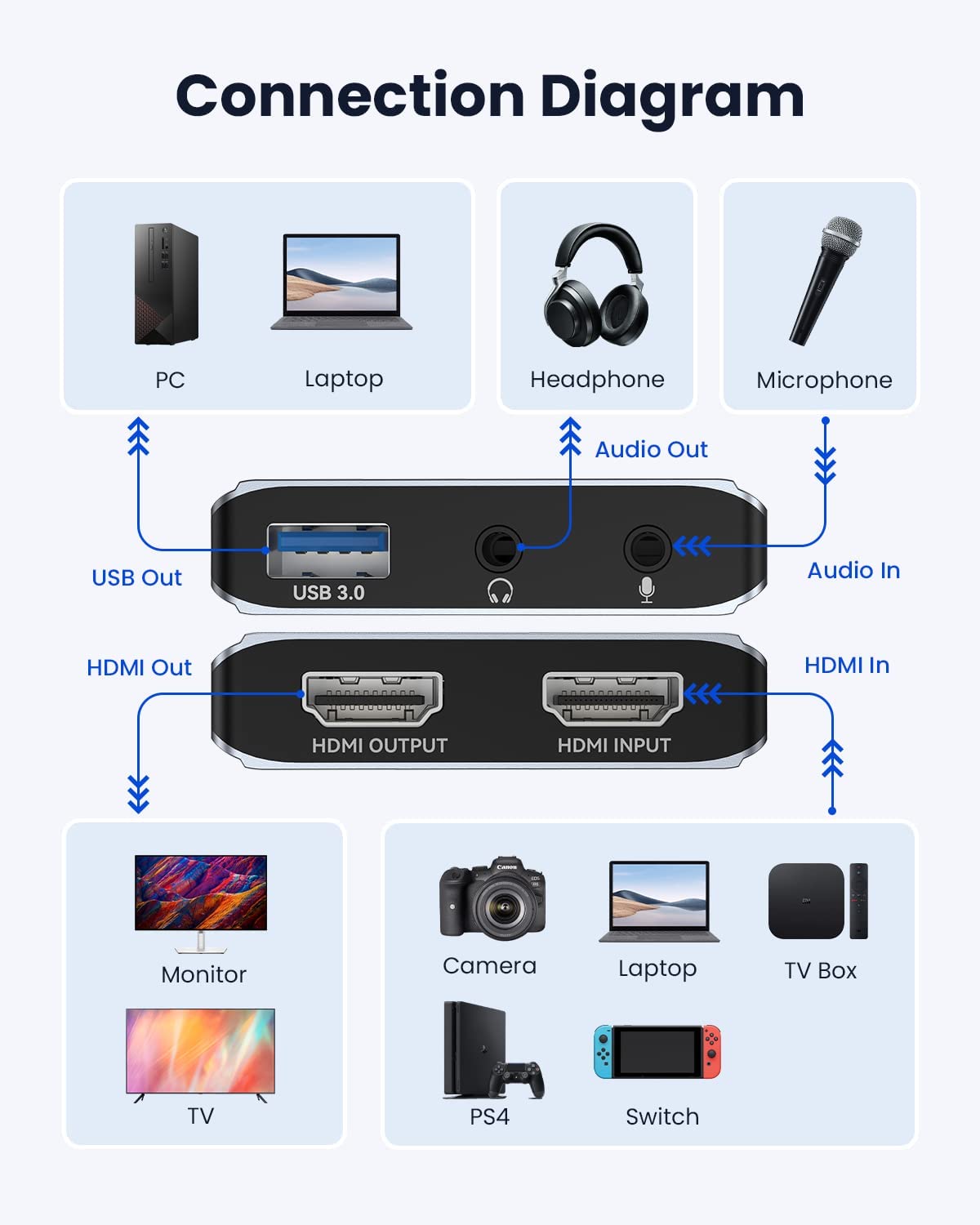
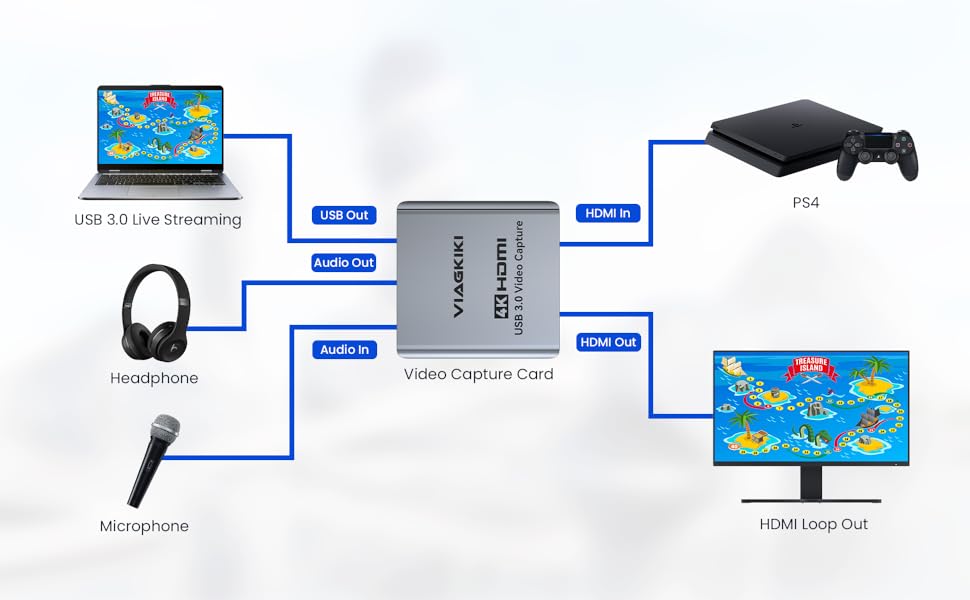
- HDMI input up to 4k@60HZ resolution with game consoles, laptops, DVD players, media players, TV boxes, Blu-ray players, DVD players, and digital cameras with HDMI input ports;
- HDMI output up to 4K@60HZ resolution with HDMI displays through HDMI cable;
- USB Captured up to 1080p@30fps;
- 3.5 mm microphone input port, connect the microphone when in use;
- 3.5 mm stereo output interface, connect earphone or sound system;
Video Capture Card Support 1080P HD Video Captured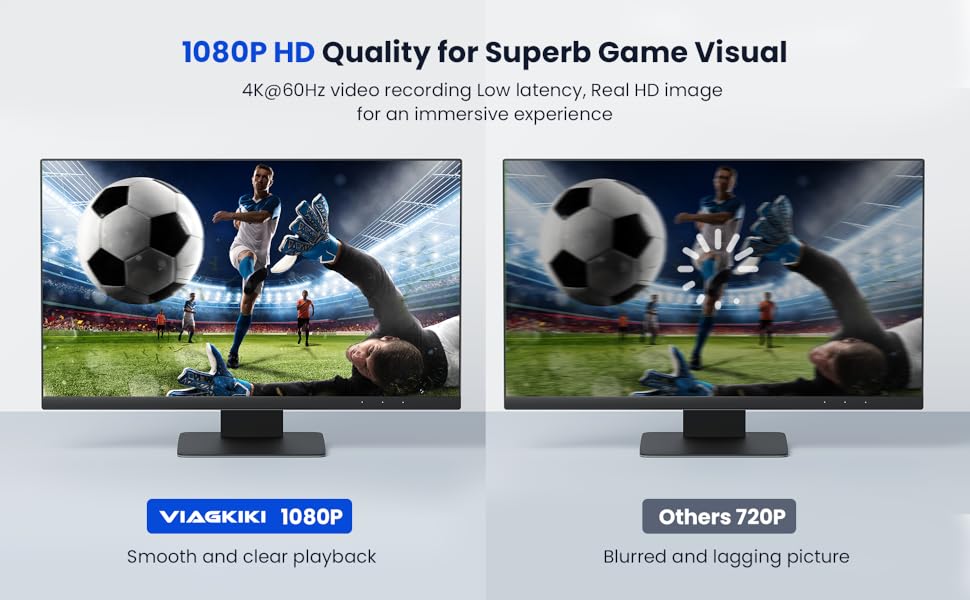
Product Specification:
- Video Input Resolution Up to 4K@60HZ
- Video Output Resolution Up to 4K@60HZ
- Video Captured Resolution Up to 1080P@30FPS
- USB Compatible: Between 2.0 and 3.0
How to set OBS:
open the OBS → add new source → select "USB video device" → select "output desktop audio"→ click 'start recording'


Use tips:
Do not use usb HUB or USB extension cable.
video capture card must be connected to the laptop's USB 3.0 interface to use.
Lower computer configuration will cause the recording screen to blinking randomly or black.
Precautions related to OBS:
1. Please note that you need to restart the OBS Studio software after completing the audio settings, otherwise no sound will be output.
2. For better capture audio, please Click "Properties"( above "Scenes" ):Select "Output desktop audio(DirestSound)" at "Audio Output Mode"
3.Please correctly connect the capture card to the signal source, video loop-out, audio input, audio output and computer. Please install OBS live broadcast software on your laptop. If the OBS version is too low, the video capture card may not work normally.
Why Choose US- Video Capture Card
| HDMI Input Device | PlayStation 3 / 4, XBOX One, Wii U, Camera, Laptop, Webcame, Gaming console, Xbox 360, Nintendo Switch |
| HDMI Input Resolution | 4196x2160(60p), 3840 x 2160 (30p), 1920 x 1080 (60p), 1920 x 1080 (30p), 1280 x 720 (60p), 720 x 576 (50p), 720 x 480 (60p) |
| HDMI Output Device | TV, Monitor with HDMI port |
| HDMI Loop-out Resolution | 4196x2160(60p), 3840 x 2160 (30p), 1920 x 1080 (60p), 1920 x 1080 (30p), 1280 x 720 (60p), 720 x 576 (50p), 720 x 480 (60p) |
| USB 1080p 60fps Record | 1920 x 1080 (30p), 1280 x 720 (60p), 720 x 576 (50p), 720 x 480 (60p) |
| 3.5mm Microphone Audio in | suitable for game lovers to stream voice and live streamer to record voice. |
| 3.5mm Jack Audio out | Make it easier to master the audio by plugging in the headphones when playing game. |
| Support System | Compatible with Windows, Mac OS, and Linux and other operating systems. |
| Support Software | compatible with OBS(Open Broadcaster Software), Youtube, Face Live, Twitter, Twitch, XSplit, Potplayer, etc |
Product information
Technical Details
| Brand | Viagkiki |
|---|---|
| Item model number | cap-card |
| Hardware Platform | PC/Mac/Linux/Unix |
| Operating System | All Windows Server Versions 2000, Mac OS X 10.4 Tiger |
| Item Weight | 5.3 ounces |
| Package Dimensions | 5.87 x 4.49 x 1.02 inches |
| Color | Silver |
| Manufacturer | Viagkiki |
| ASIN | B0B4WMY1XD |