


NIPELL Wireless Earbuds, Bluetooth 5.2 Headphones with 1800mAh Charging Case - 88Hrs Play Time - Cell Phones Charging Function, Built-in Microphone IPX5 Waterproof Earphone for iOS/Android(7480)
Price
$18.00Free
18.00
Description
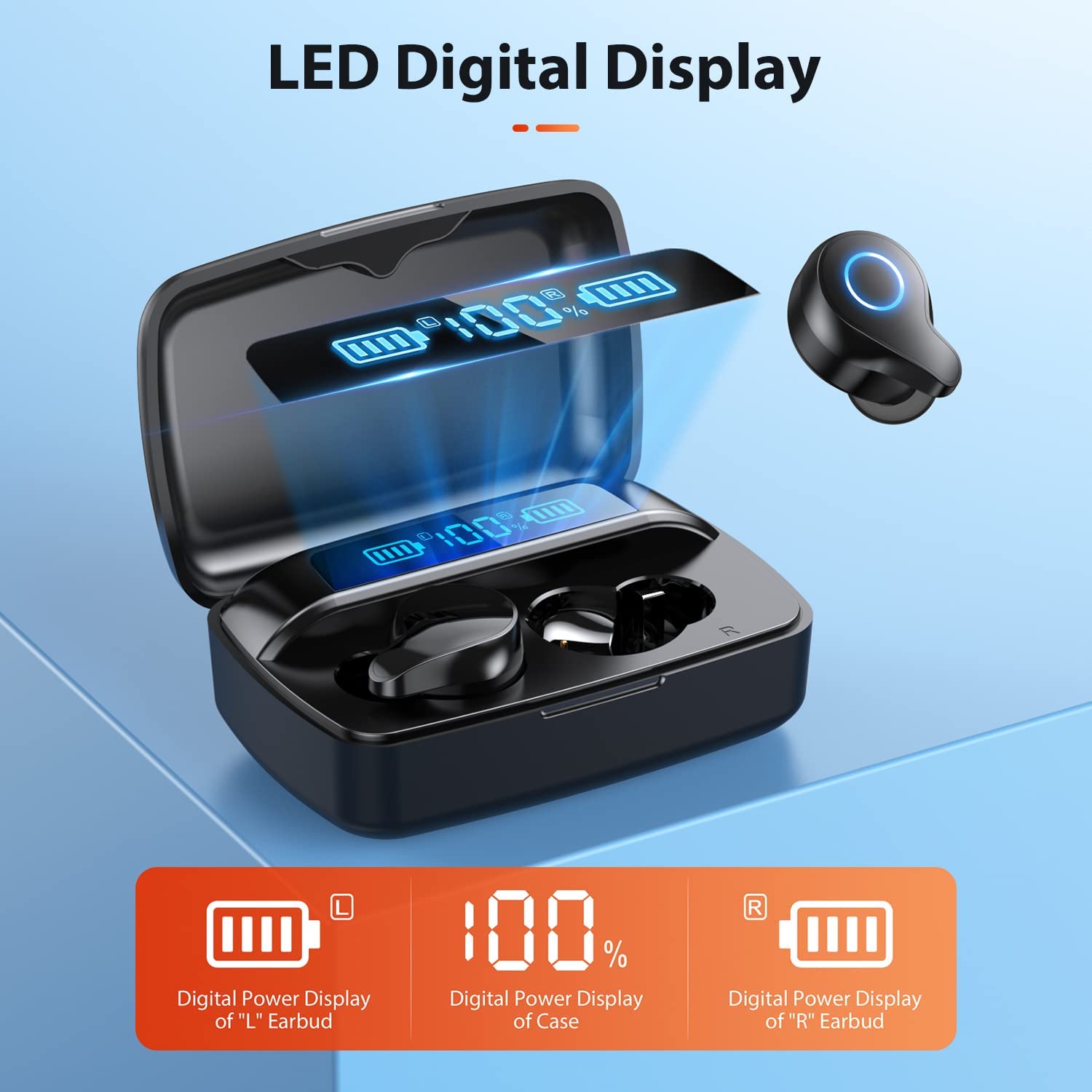
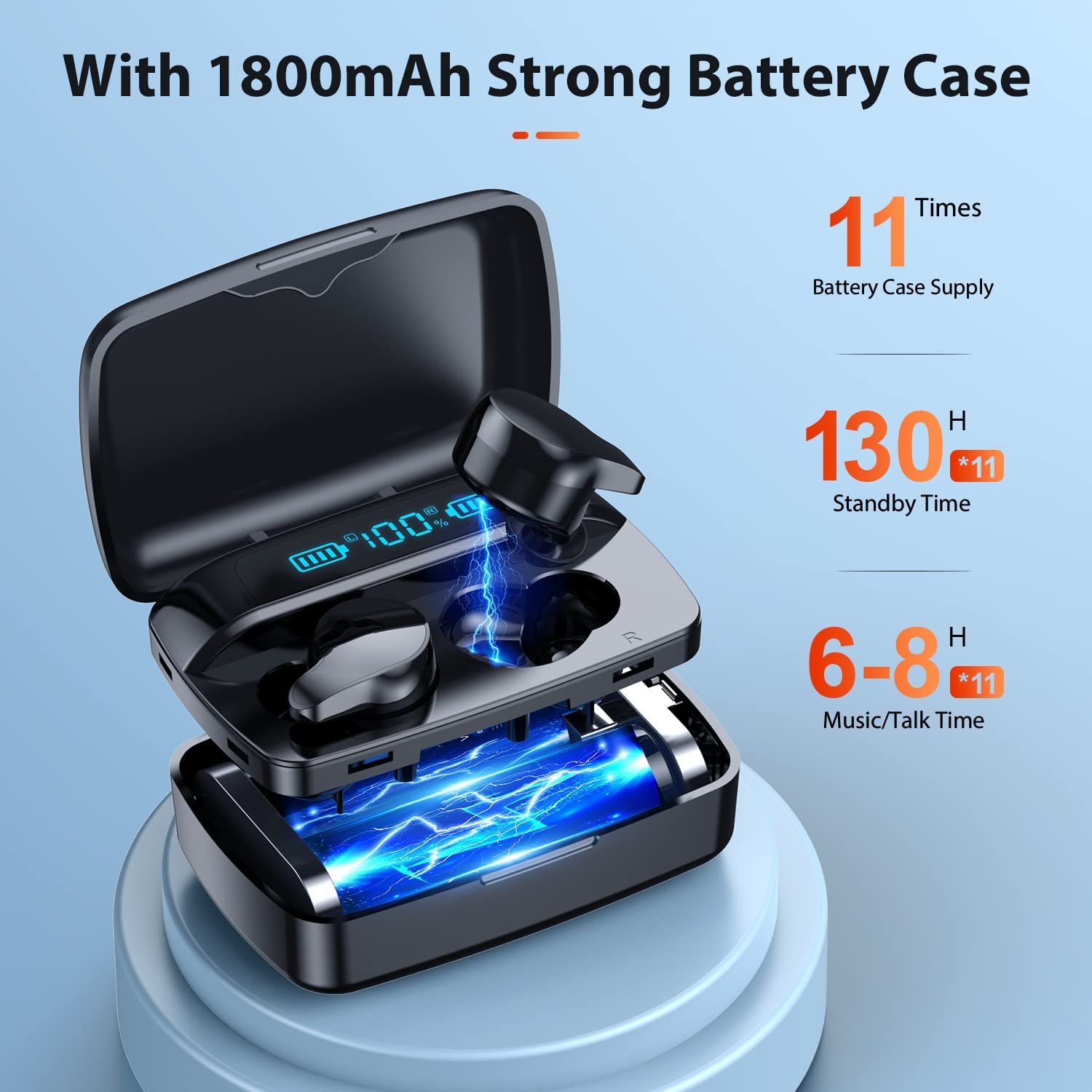
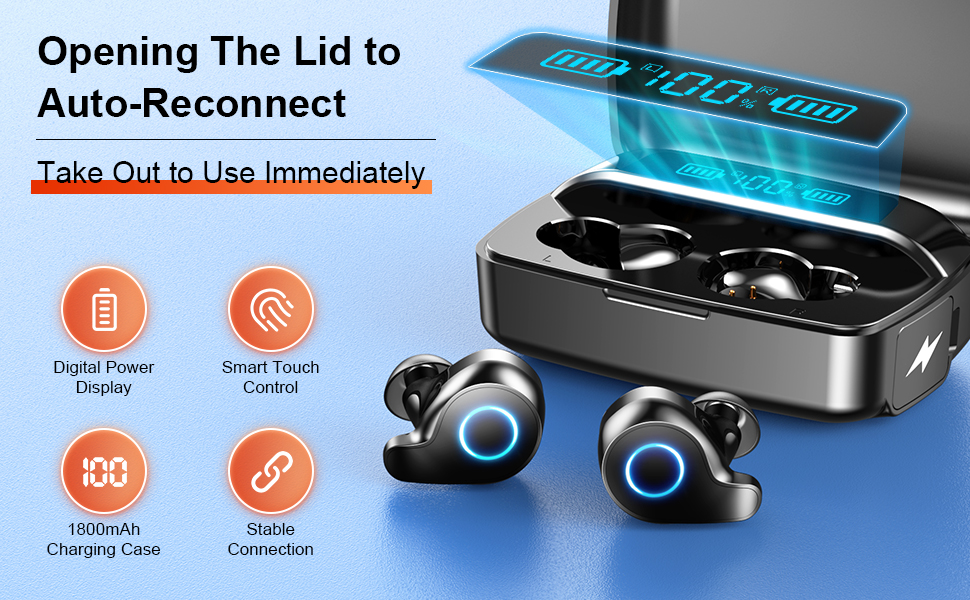
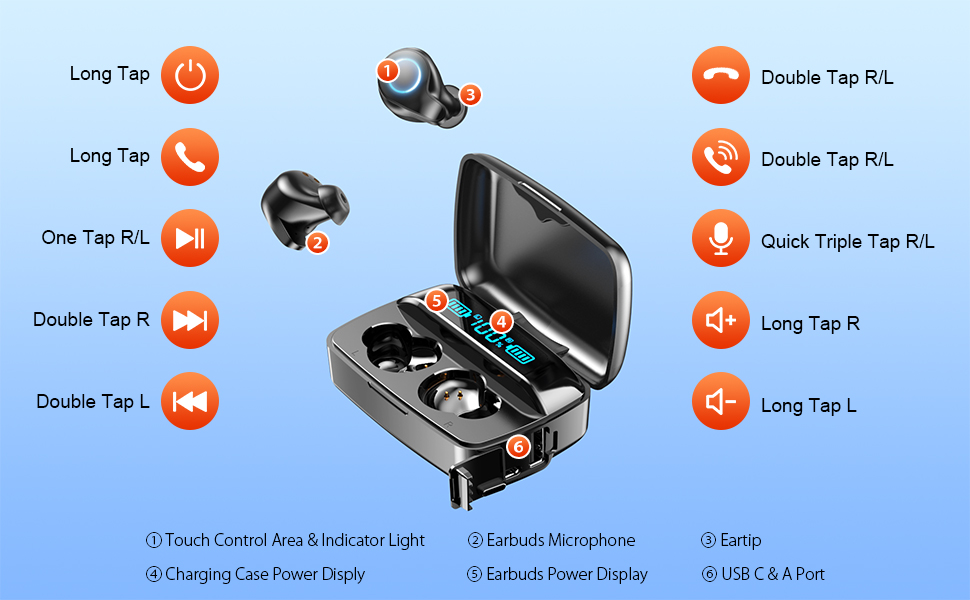
- 88 to132 Hours of Playtime - LED digital display for easy power management, 1800mAh large battery charging case provides up to 11 full charges for two 50mAh Bluetooth earbuds, with 6-8 hours of continuous playback per charge. Up to 88 -132 hours of playtime by alternating the use of ear buds.
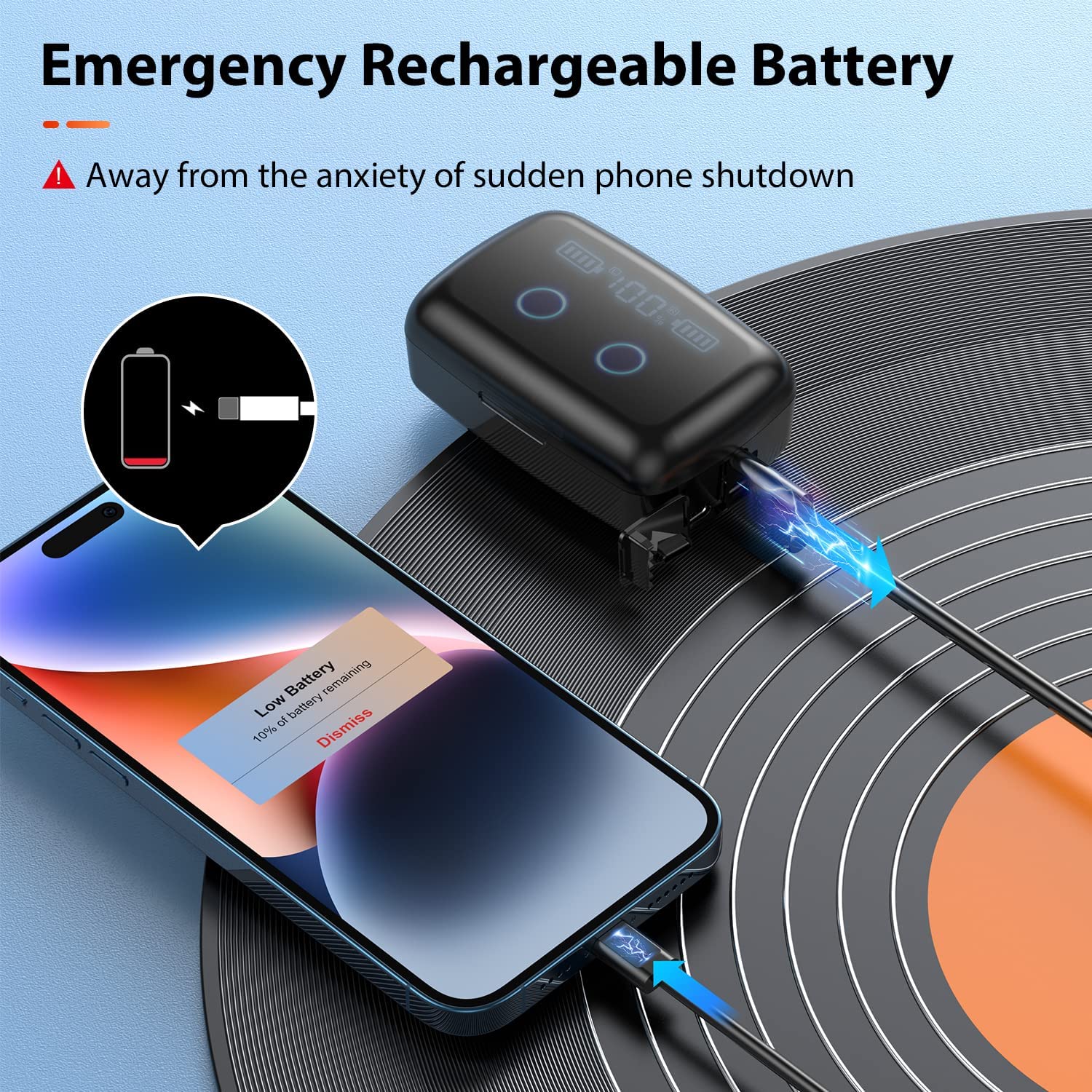
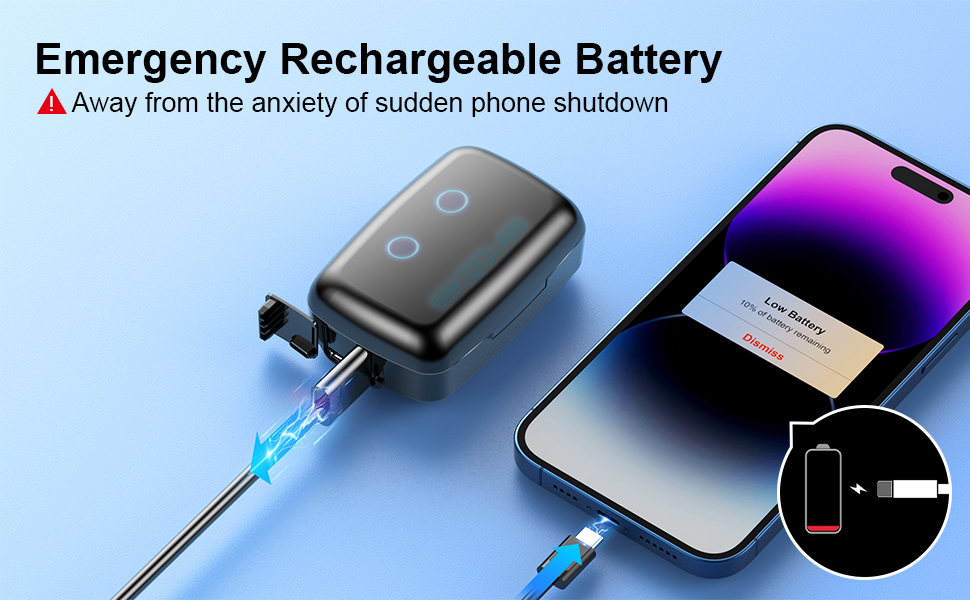
- Cross-Field Design - The wireless headphone case adds a USB A port so that it can not only provide battery life for the headset but also serve as a portable charger to power your cellphones or other electronic devices in case of emergency. Keeps you away from the anxiety of your cell phone shutting down due to power depletion.
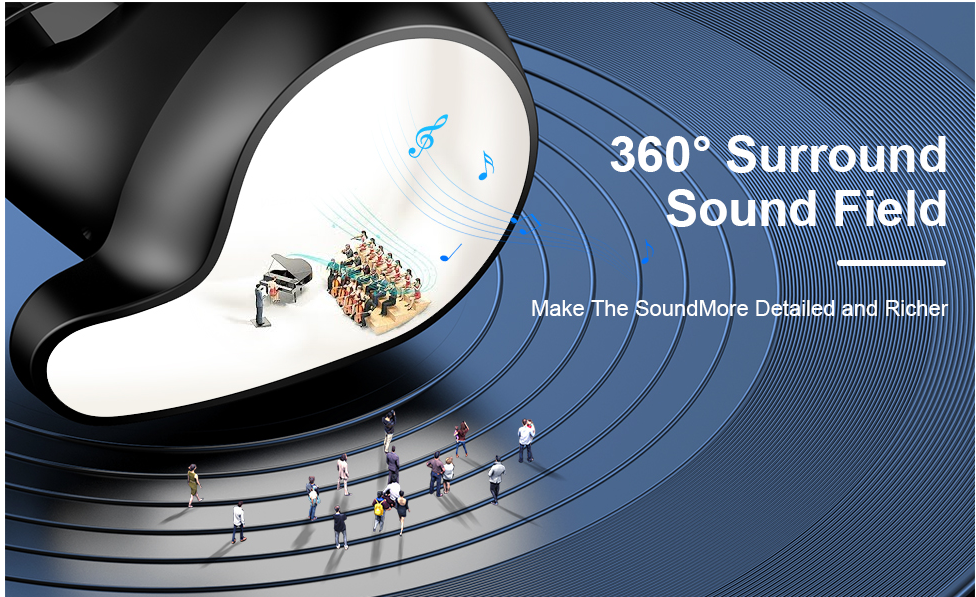
- Immersive Sound - The balance of rich bass, natural midrange, and clear and powerful high frequencies enables it to carry different sound styles. Effective noise filtering makes every detail can be heard. With just a gentle tap of it, you will freely switch to different exclusive concerts/cinemas and enjoy the magic of music/movies!
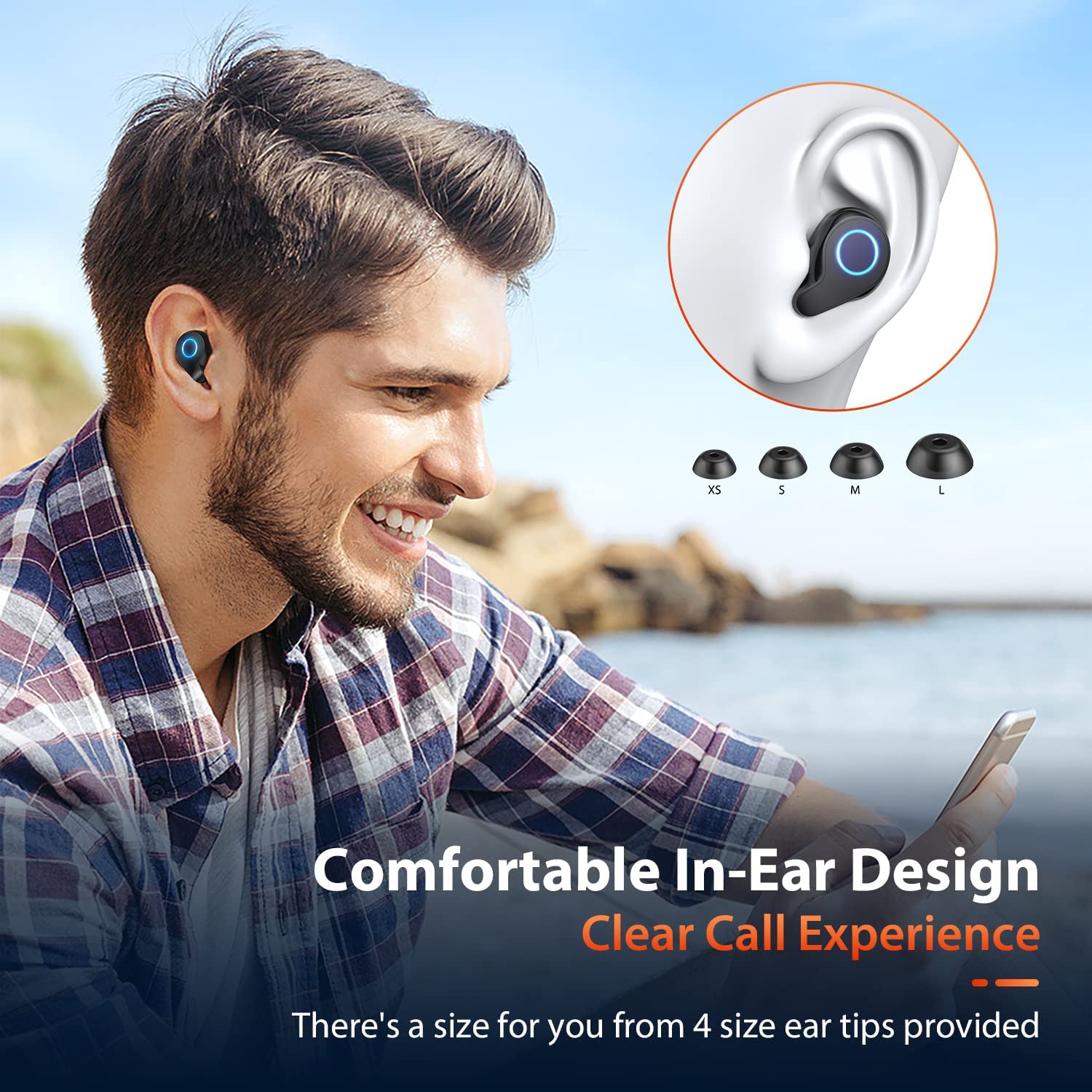
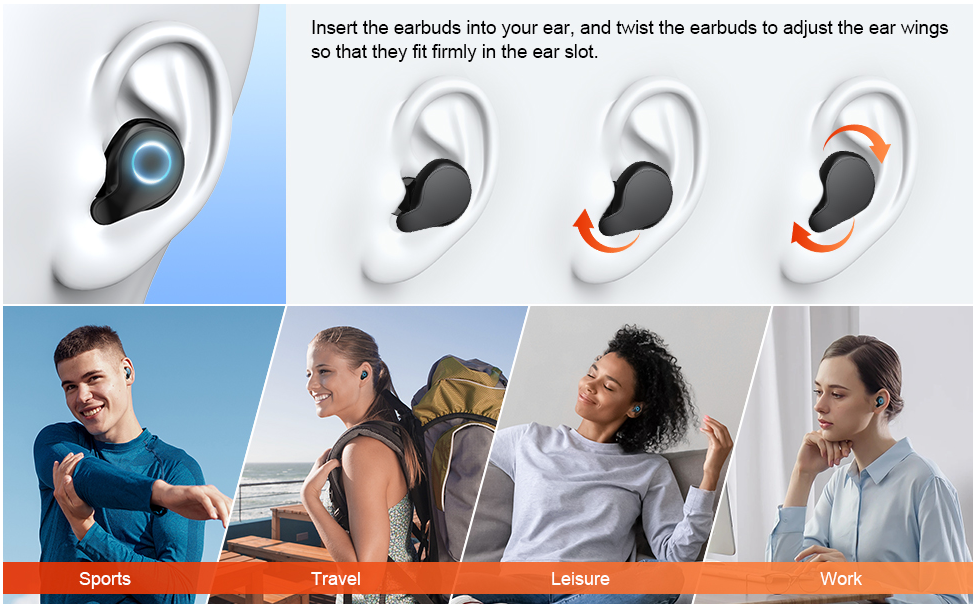
- Comfortable In-Ear Design - Combining precise calculations with many experiments to design the shape of the earphones. The perfect curvature with a small body of only 6g disperses the pressure in the ear canal while staying stable to bring you the ultimate comfortable wearing experience. Plus, There's a one-size fit for you best from the 4 size ear cups provided.
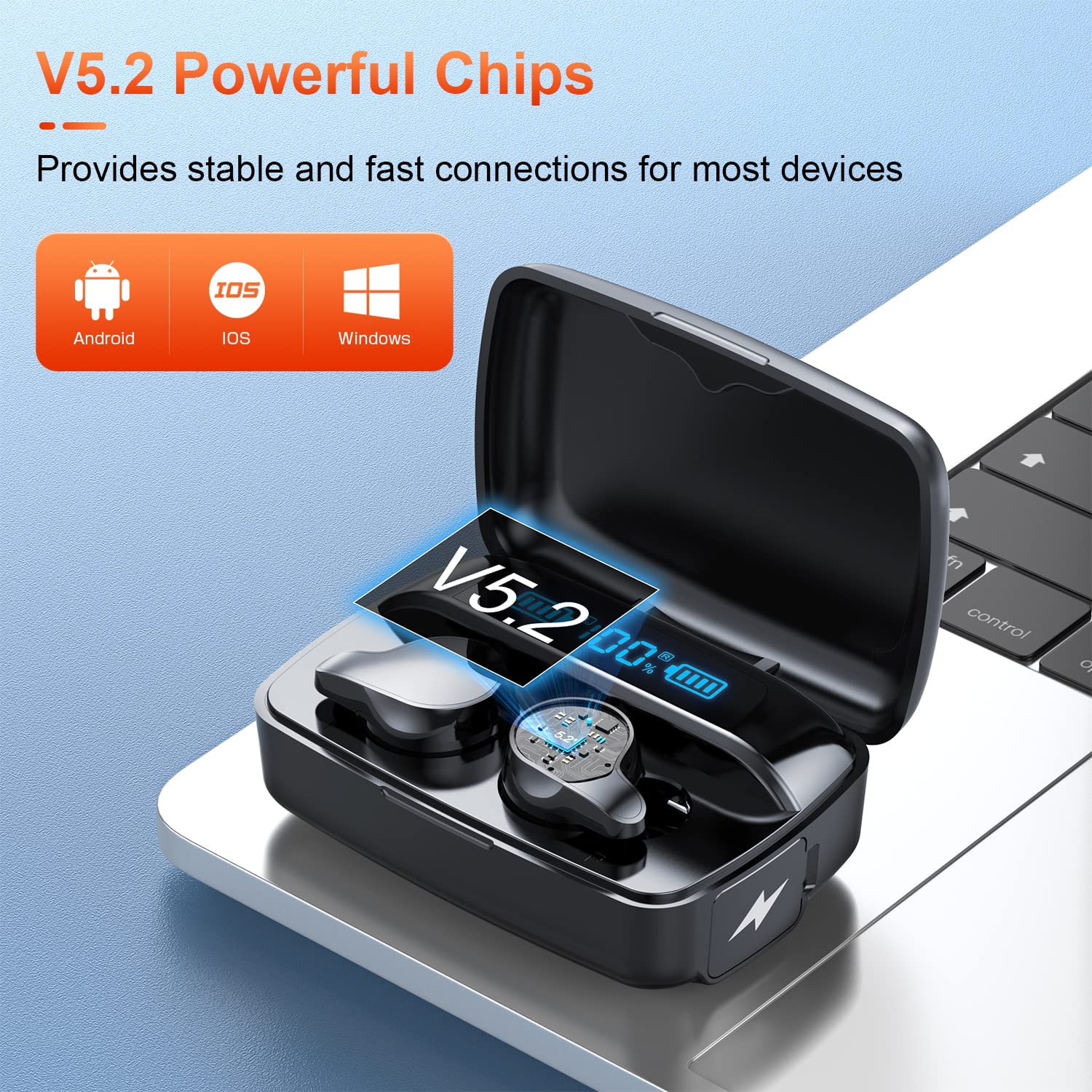
- One-Step Reconnection - With the first successful connection, just open the lid of the charging case to immediately auto-reconnect to your device, without even taking the wireless earbuds out of the case. The latest 5.2 version of Bluetooth ensures the speed and stability of the connection within 10m/33ft.
- IPX5 Waterproof - Unrestricted by weather and place, you can wear it while sweating in sports or walking in the drizzle. (Please do not use it in the shower and swimming!)
- Simple Operation - One touch button to control all functions of answering/hanging up the call, volume up/down, music play/pause, skipping music, and waking up "Siri", a friendly user manual will patiently guide you to easily master these powerful functions.
- Package Contents - Bluetooth Headphones *2, Charging case *1, Mini USB Type C Cable *1, Earcaps *8(XS S M L ), User manual *1, and friendly customer service.
Product description
Note: Products with electrical plugs are designed for use in the US. Outlets and voltage differ internationally and this product may require an adapter or converter for use in your destination. Please check compatibility before purchasing.
What's in the box
- Cable
- Protective Case
- User Manual
- Wireless Earbuds
- Eartips

FAQ
How to connect?
Stereo mode
1. Open the charging case, the two earbuds will automatically turn on and connect to each other, waiting to connect to your phone. (no need to remove the earbuds from the charging case)
2. Turn on your phone's Bluetooth and search for "A66", then choose "A66". The earbuds will connect to your phone.
Single Earbud Mode
1. Take an earbud(left/right) out of the charging case
2. Turn on your phone's Bluetooth and select "A66". The earbud will connect to your phone.
How to solve the problem of volume and charging?
Clean the charging contacts, and mesh of ear tips with an alcohol pad to remove dust or earwax that might be affecting charging or sound volume.
How to solve the problem with connection? Or two earphones can't pair with each other? Or can’t connect to your device?
1. First delete the Bluetooth pairing name "A66" of the headset on the mobile phone before;
2. Then turn off the phone's Bluetooth function and put the headset back into the charging box;
3. After 10 seconds, open the charging case. the left earbud flashes green and blue rapidly to wait to pair.
4. Turn on the phone's bluetooth to search and pair.
How to solve the problem with only one-side earbuds having sound?
Please check if turn on both earbuds, long tap the both Right and Left "MFB" buttons to turn on the earbuds.
How to handle the situations when the earbuds drop into the water?
If the earbuds get wet, shake the water out of the earbuds, gently tap-dry each with a towel, and allow them to air dry completely, before placing them in the charging case!
Product information
| Package Dimensions | 4.96 x 3.82 x 1.46 inches |
|---|---|
| Item Weight | 0.212 ounces |
| ASIN | B0BLRZTCLB |