



Govee Bluetooth Meat Thermometer, Wireless Meat Thermometer for Smoker Oven, Digital Grill Thermometer with 2 Probes, Timer Mode, Smart LCD Backlight BBQ Thermometer for Cooking Turkey Fish Beef(7094)
Price
$41.00
Customer Service
Favorites
Sold
Batch After placing the order, it will be shipped within 24 hours. Delivery time depends on logistics and may be extended. Please pay attention to logistics information or contact Customer Service
Shipping
Free
Quantity
Price
41.00
Purchase Now
Add to Cart
Description
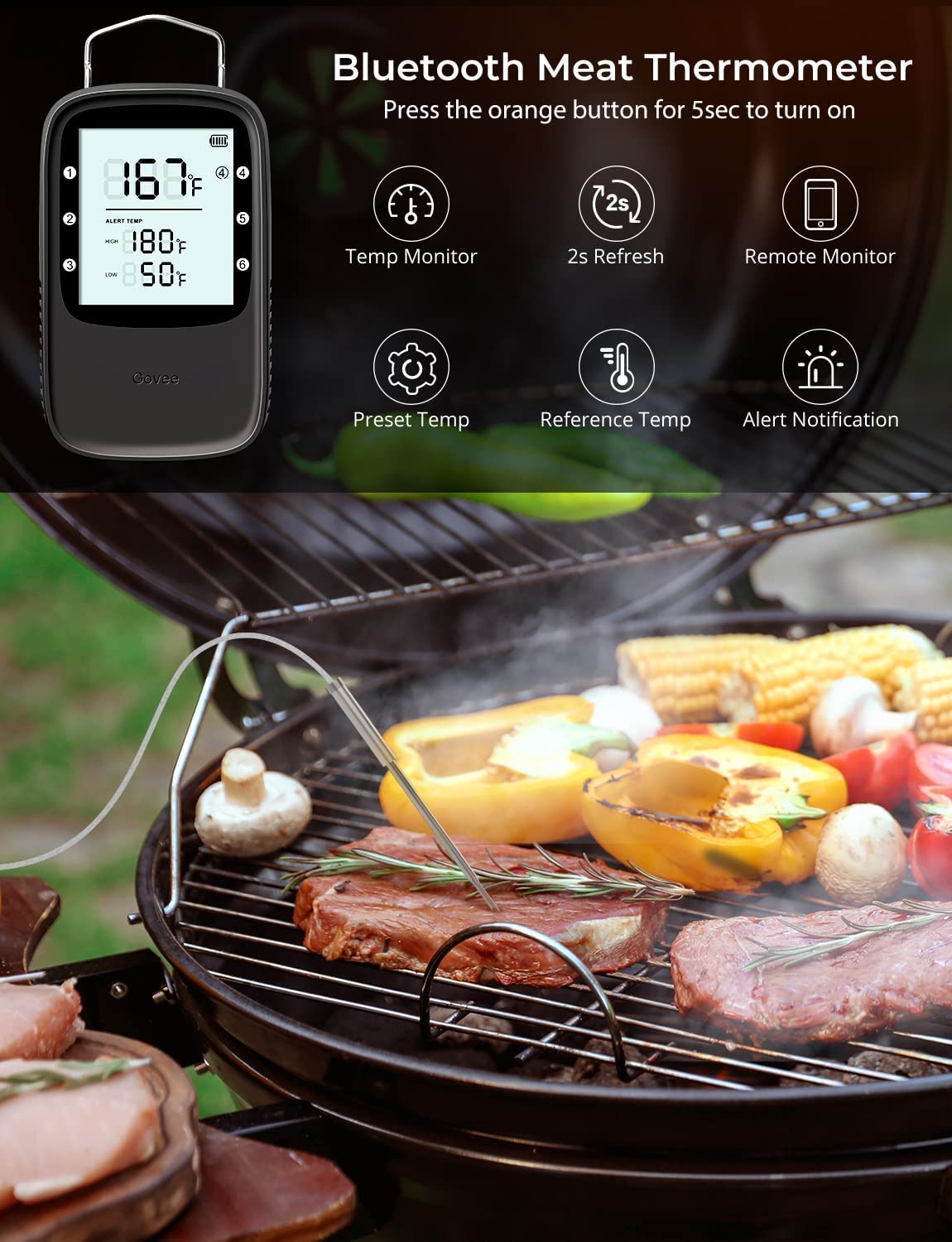
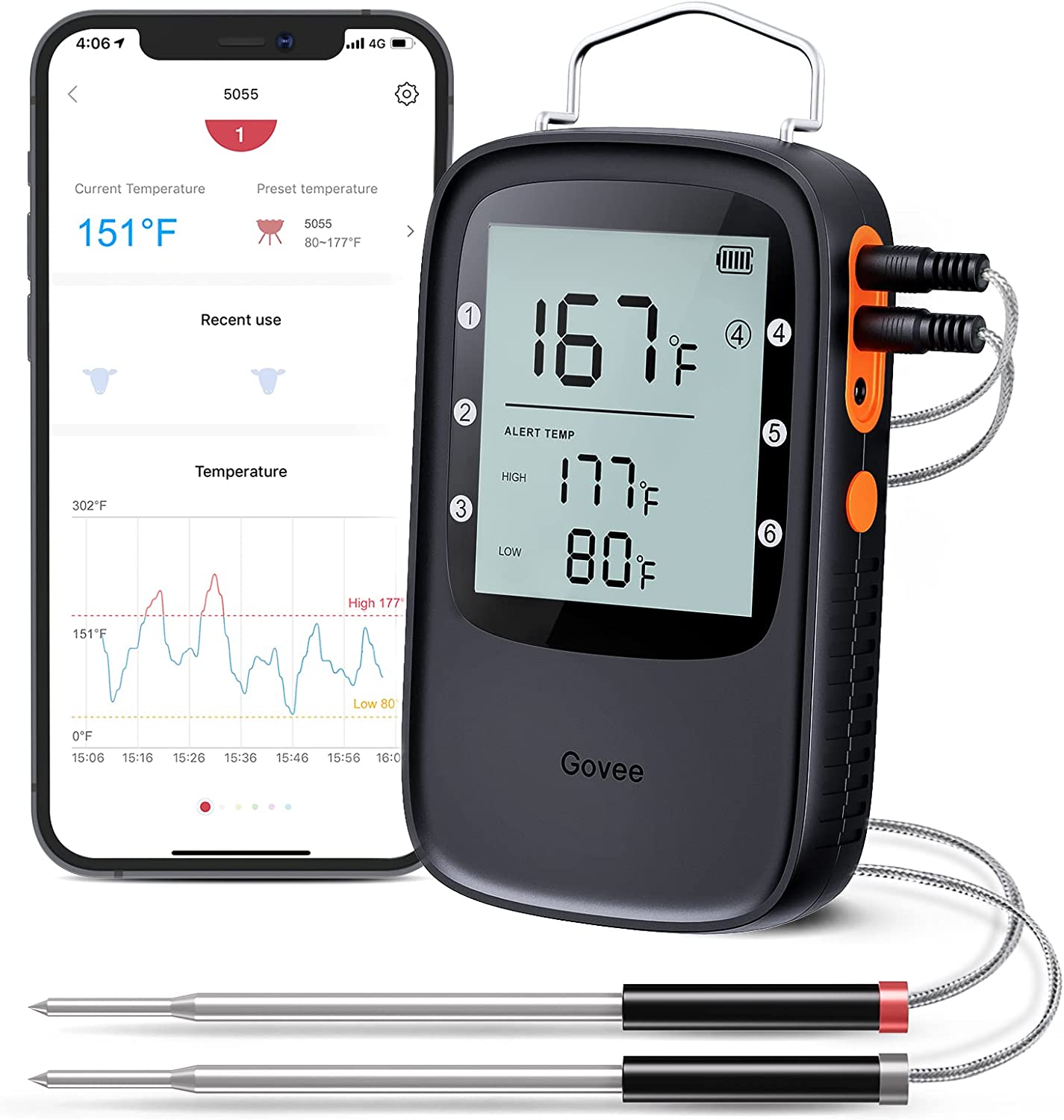
- Bluetooth Monitor Remotely: Govee bluetooth meat thermometer can tranfer temperature data to your phone, you can check the meat temperatures of your grill, smoker or oven at any time. With this smart BBQ thermometer, you can get other tasks done while grilling.
- Food Temperature Suggestions: With this wireless meat thermometer, you can browse selection of USDA-recommended temperatures on Govee Home APP from rare to well done for foods such as beef, lamb, chicken, fish, turkey, pork. Keep your grilling more efficient.
- Smart Alerts: Avoid the risk of overcooking or burning your food. Once your preset food temperature is out of range, the bluetooth meat thermometer will send an audio alert and you'll receive an immediate notification on the Govee Home App.
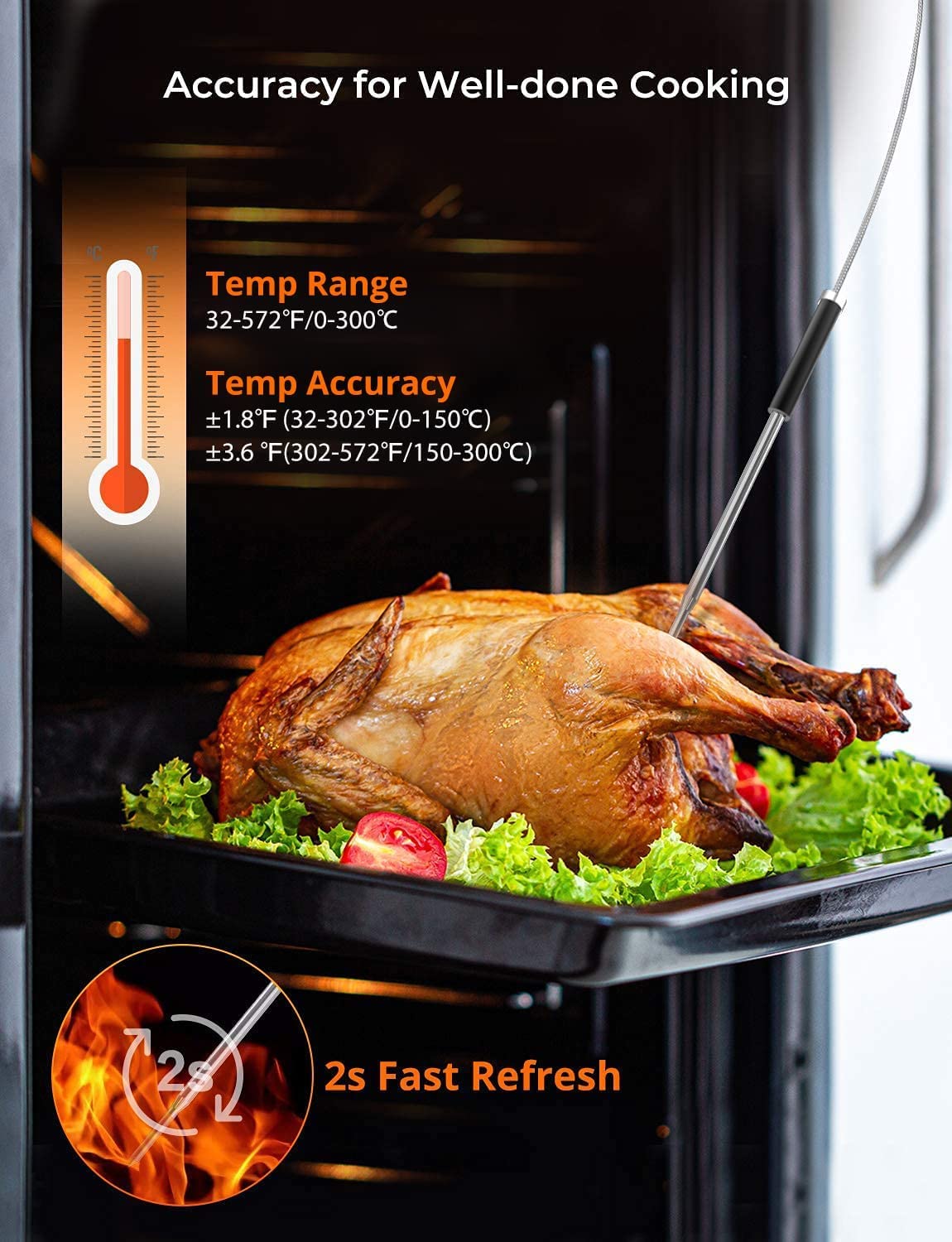
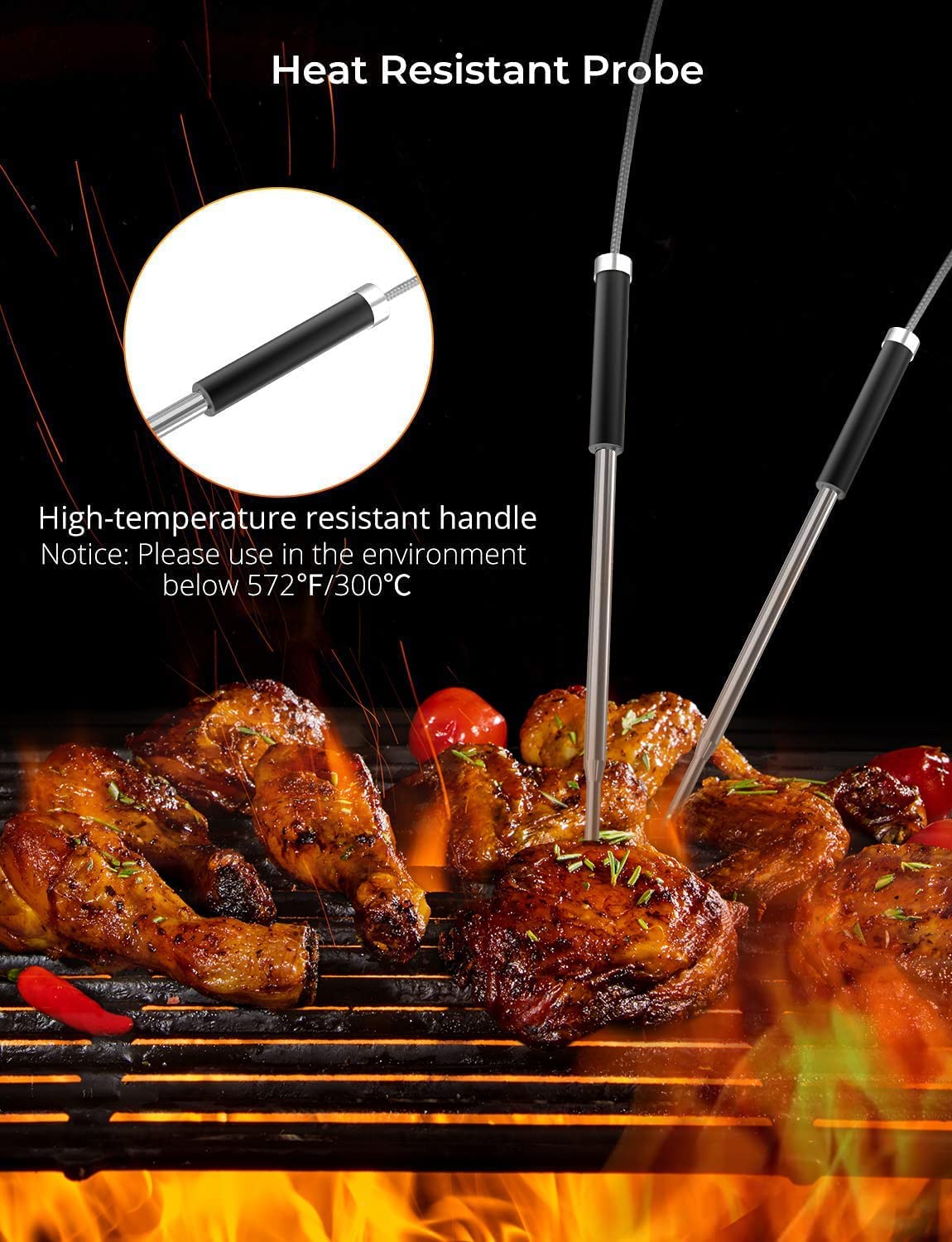
- Food Grade Waterproof Probes: With ±1.8°F/1°C accuracy, our wireless meat thermometer probes will ensure the doneness level of your meat is reliable ( at temperatures under 302℉). Waterproof 304 stainless steel probe, safe and reliable.
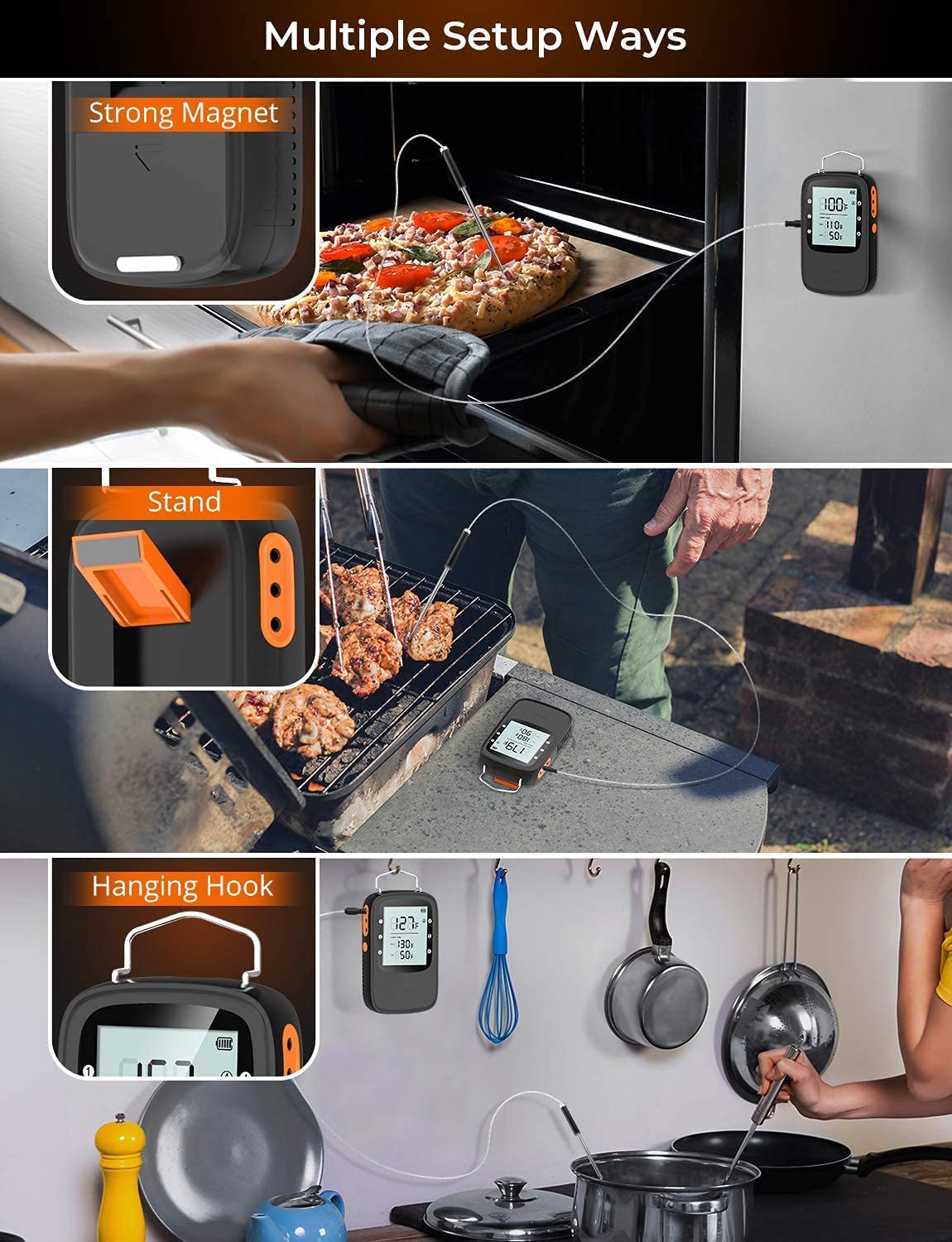
- Easy Placement and Backlit LCD: This bluetooth meat thermometer has strong magnet, folded stand and hanging hook, fitting for any BBQ scenes with a grill or smoker, There is also an easy-to-read backlight to continuously monitor your temperatures at night.
User reviews
(0)
Has images (0)
Good Review
Average reviews
Bad Review
Product description


How to Use Govee Bluetooth Meat Thermometer?

1. Turn On Digital Bluetooth Meat Thermometer
- Remove the protective tip, plug in the probe, insert batteries and press the orange button for 3sec to turn on.
2. Connect to Govee Home App
- Place the thermometer near your mobile phone and turn on Bluetooth in the phone ;
(Notice: Android device users should turn on Location and iOS users should tap “Setting - Govee Home - Location - Always” in your phone.)
- Open Govee Home, tap the “+” icon in the top right corner and select “H5055” ;
(Please download the free app ‘Govee Home’ on the App Store or Google Play)
- Follow instructions on the app to complete connection ;
Package Contents:
- 1 x Bluetooth Digital BBQ Thermometer
- 2 x Food Grade 304 Stainless Steel Probes
- 2 x AA Battery
- 1 x Manual


